
Why You Need a Practical Network Lab
If you’re studying for CCNA, CompTIA Network+, or just want to understand how packets move, theory alone won’t cut it. You need hands-on practice. The best way is to set up a home lab networking environment where you can break things safely.
This guide walks you through a low-cost, beginner-friendly setup using real hardware and free software.
Choosing Hardware to Set Up a Home Lab Networking
You don’t need enterprise gear. For under $150, you can assemble a workable lab.
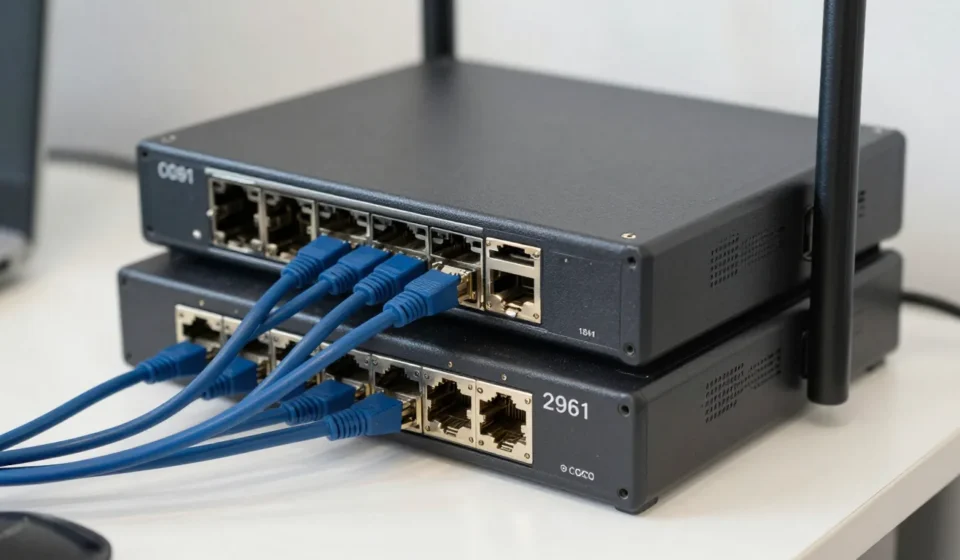
Start with two used Cisco switches (e.g., 2960 series) and one router (e.g., 1841). These are affordable on eBay and support IOS commands you’ll encounter in certification exams.
Alternatively, use a PC with multiple NICs running VyOS or pfSense as a router. This gives you flexibility and a GUI for monitoring.
Pair it with a cheap unmanaged switch if you only need basic layer-2 practice.
Where to Find Discounted Used Equipment
Check local marketplace groups or recycling centers. Many businesses sell old gear for pennies.
Always verify the device boots and has no password set. Tech & Gadgets enthusiasts often share sourcing tips in forums.
Virtualizing with GNS3 or EVE-NG
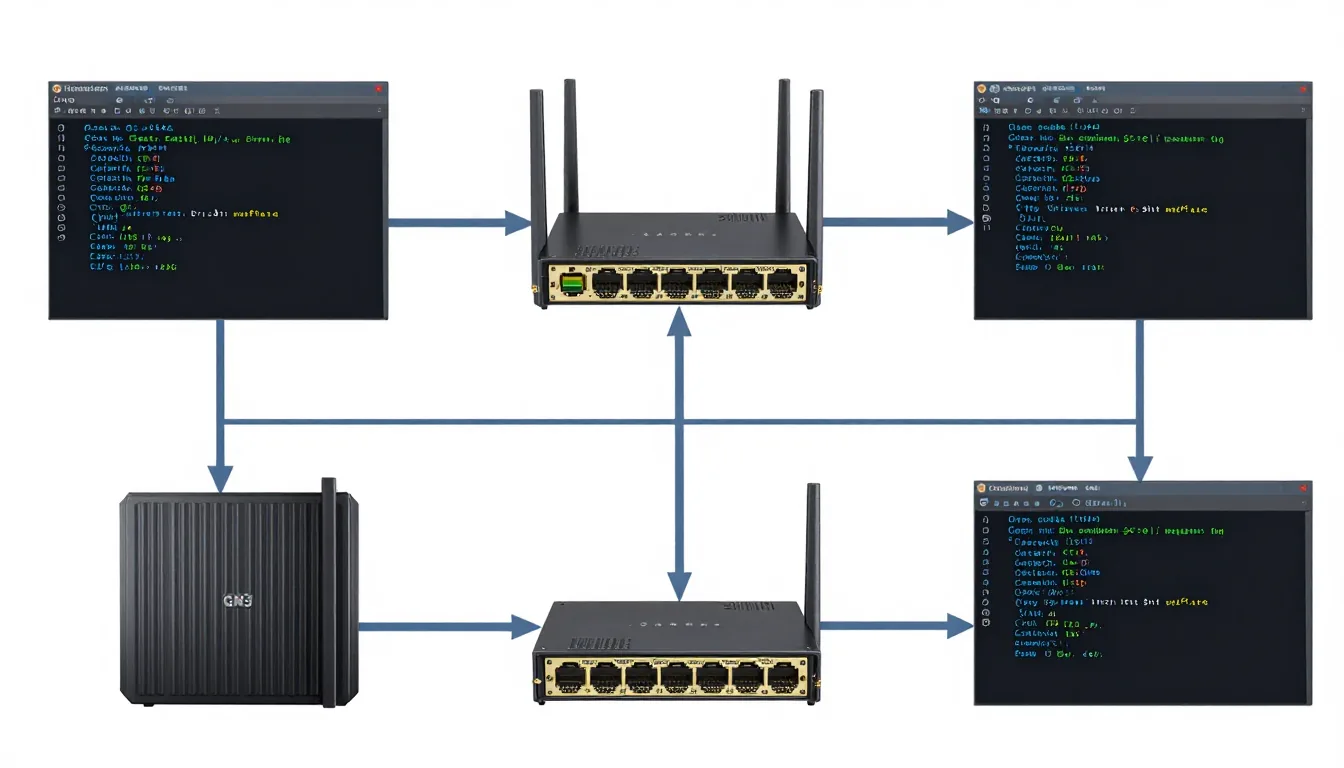
If desk space is tight, go virtual. GNS3 (free) runs on Windows, macOS, or Linux and emulates Cisco IOS images. If you want to set up a home lab networking without physical gear, GNS3 is a great choice.
You’ll need to source those images legally — Cisco offers them to partners or through learning labs. Cisco’s software support page provides official options.
EVE-NG Community Edition is another powerful tool. It's web-based and can simulate complete topologies with routers, switches, and firewalls.
Both require at least 8GB RAM on your host machine.
Balancing Real vs Simulated Hardware
Pure simulation lacks the physical feel of cable patching and port failures. But it scales quickly.
A hybrid approach: use one physical device for serial console practice and virtualized nodes for complex topologies like OSPF or BGP.
Building Your First Topology
After you set up a home lab networking environment, start with a simple topology. Two routers connected via serial cable, with a switch on each LAN.
Configure IP addresses, then introduce static routing. Once that works, enable RIP or OSPF.
Document every command you type — this builds troubleshooting muscle.
Use packet captures (Wireshark) to verify protocol behavior. Seeing hello packets and LSAs appear on the wire solidifies theory. Wireshark is free and indispensable.
Automating with Python and Ansible
Once you have set up a home lab networking, automation is the next step. Script configuration changes using Python with Netmiko library. Automate backups, VLAN creation, or ACL updates.
This mirrors real DevOps practices in network engineering. Ansible can push configs to multiple devices simultaneously.
Start with a small playbook that changes the hostname on all routers.
Verify idempotency — running twice should result in zero changes.
Common Pitfalls and How to Avoid Them
When you set up a home lab networking, avoid these mistakes. Not documenting cables: label every connection. After a week, you’ll forget which port goes where.
Power constraints: old switches are loud and hot. Use a dedicated power strip and keep the lab ventilated.
Ignoring security: never connect your lab directly to your home network without a firewall.
Isolate it with a separate VLAN. Overcomplicating early: stick to one routing protocol at first.
Temptation to run BGP + OSPF + EIGRP together will confuse you.
Master each step.
Next Steps: Cert Prep and Beyond
After you’re comfortable with basics, expand your lab to include wireless, security appliances, or SD-WAN. Many vendors offer free trials of virtual firewalls (e.g., pfSense, Palo Alto VM).
Integrate them to practice firewall policies and VPNs. Once you’ve set up a home lab networking, explore advanced topics. Join communities like r/homelab for inspiration.
Remember, the goal isn't to replicate a data center — it's to build muscle memory for troubleshooting. Start small, break intentionally, and rebuild.
That's how you truly learn networking.