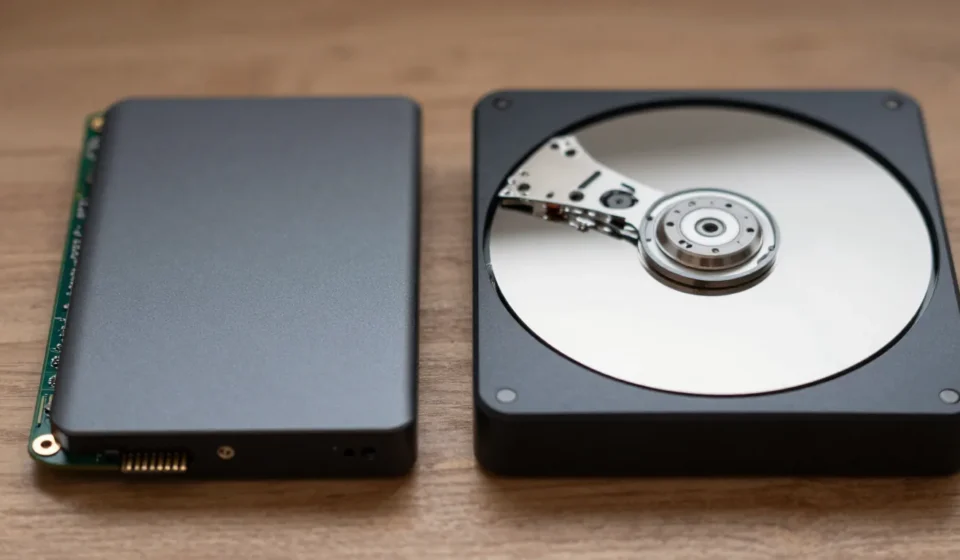

SSD vs HDD External Storage Reliability: The Core Question
When you're shopping for an external drive, the biggest concern is keeping your data safe. The debate between SSD vs HDD external storage reliability centers on how each technology withstands the bumps, drops, and temperature swings of portable use.
Let's cut through the marketing and look at the engineering realities.
Hard drives (HDDs) use spinning platters and moving read/write heads — mechanical parts that are inherently fragile. Solid-state drives (SSDs) have no moving parts, relying on NAND flash memory.
On paper, SSDs should win every reliability test. But real-world data reveals a more nuanced picture.
Physical Durability: Drop Tests and Shock Resistance
HDDs and Mechanical Vulnerability
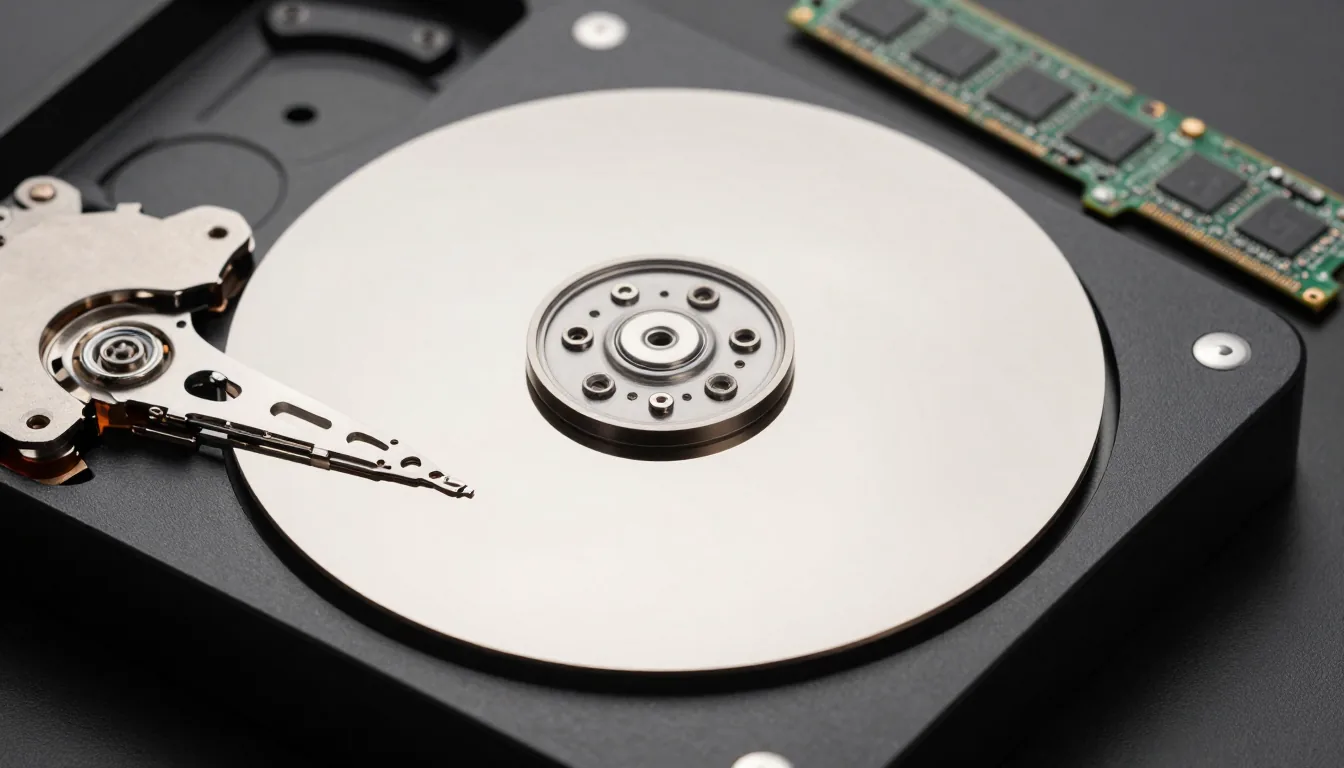
An HDD’s read/write head floats nanometers above a spinning platter, so a sudden jolt can cause a head crash, scratching the platter and corrupting data. Most external HDDs have shock sensors and parking mechanisms, but they’re not foolproof — a drop from just a few feet while the drive is spinning can be fatal.
However, when powered off, the head parks safely, and modern drives can survive moderate drops. The real risk is during active use — exactly when you're copying files or working off the drive.
SSD vs HDD external storage reliability heavily favors SSDs here.
SSDs and Solid-State Resilience
SSDs have no moving parts, so they shrug off drops that would kill an HDD. You can accidentally knock an SSD off a table while it's writing data and likely lose nothing.
This makes SSDs the clear winner for on-the-go use, especially if you travel frequently or work in chaotic environments.
But SSDs aren't indestructible. Extreme physical force can damage the circuit board or memory chips.
Also, SSDs are more sensitive to certain electrical events, like power surges, which can corrupt the drive's firmware.
Data Retention and Long-Term Storage
HDDs: The Sleepers for Cold Storage
If you plan to store a drive on a shelf for years, HDDs have an advantage. Magnetic platters retain data reliably for decades when stored properly (cool, dry, stable).
The data doesn't fade. This makes HDDs a solid choice for archival backups that you won't touch often.
However, mechanical parts can seize up if not spun up periodically. Lubricants dry out, bearings stiffen.
Best practice: spin up an archival HDD every 1–2 years to keep it healthy.
SSDs: The Charge Leak Problem
NAND flash memory stores data as electrical charges in floating-gate transistors. Over time, those charges leak away.
For consumer SSDs, data retention is typically rated for 1–2 years without power at room temperature. Higher temperatures accelerate charge loss.
So an SSD left unpowered in a hot car or attic could lose data in months.
This doesn't matter for daily use, but if you're building a long-term offline archive, an HDD is more reliable. SSDs are designed for active use, not decades of shelf storage.
Another aspect of SSD vs HDD external storage reliability is long-term data retention without power.
Write Endurance and Lifespan
HDD Wear: Mechanical Fatigue
HDDs wear out through mechanical use: bearing wear, actuator fatigue, and disk surface degradation. The typical lifespan is 3–5 years, but many last longer; failure is often gradual with bad sectors and performance degradation, giving you time to migrate data.
HDDs also have predictable failure modes like SMART warnings.
The upside: HDDs don’t have a write limit per se; they can be rewritten millions of times to the same sectors (though magnetic media does have a finite life). Write endurance also factors into SSD vs HDD external storage reliability, though less critical for typical backup use.
SSD Wear: Write Cycles
SSD NAND cells have a limited number of program/erase cycles — consumer drives typically last 300–1500 cycles for TLC/QLC NAND. Modern controllers spread writes evenly via wear leveling, so for an external drive used for file transfers, write endurance is seldom a concern and will outlast the warranty.
However, heavy usage — like video editing directly on the drive or running a database — can shorten an SSD’s life. The bigger risk is sudden, unpredictable failure: an SSD can go from healthy to dead without warning, making data recovery extremely difficult or impossible.
Temperature and Environmental Sensitivity
HDD Temperature Range
HDDs prefer moderate temperatures (5°C–55°C) — operating in extreme cold thickens lubricants, while extreme heat expands components. With proper ventilation they manage fine, but high humidity can cause condensation, so avoid damp basements.
SSD Temperature Tolerance
SSDs operate over a wider range (0°C–70°C typical), generate less heat, but NAND cells are sensitive to high temperatures during writes, increasing error rates. SSDs throttle performance to stay cool, and in freezing conditions they work better than HDDs because no mechanical parts stiffen.
Temperature tolerance is another dimension of SSD vs HDD external storage reliability.
Failure Rates: What the Data Says
Backblaze publishes annual reports on HDD failure rates, showing consumer-grade external HDDs fail at roughly 2–5% annually under heavy use. For SSDs, large-scale data from Google and Facebook shows annual failure rates under 1% for enterprise SSDs, and consumer external SSDs likely have slightly higher rates but still below HDDs.
However, the critical difference is failure mode: HDDs often warn you (bad sectors, noise), while SSDs tend to fail catastrophically. So for reliability, you must consider not just probability of failure, but also recoverability.
HDDs give you a better chance to rescue data. Failure rate statistics provide a quantitative view of SSD vs HDD external storage reliability.
Which Should You Choose?
There’s no universal winner — for a drive that travels daily, choose SSD; for an archive drive on a desk, choose HDD; for backup of irreplaceable files, use both. Tech & Gadgets always recommends the 3-2-1 backup rule: three copies, two media types, one offsite.
Ultimately, SSD vs HDD external storage reliability depends on your usage pattern. SSDs win on drop survival and daily convenience; HDDs win on long-term data retention and recoverability after failure.
Neither is perfect, but understanding these trade-offs helps you make a smarter purchase.
For deeper analysis, check out Backblaze’s latest drive statistics and AnandTech’s SSD endurance testing.