

Why Screen Time Limits Feel Impossible
Setting screen time limits that actually stick is a universal parenting struggle. Kids crave devices, and manufacturers design them to be addictive.
But with the right approach, you can regain balance without daily battles.
Every parent knows the guilt of handing over a tablet for five minutes only to find an hour has passed. The key is understanding why your rules fail—and then fixing the system, not the child.
It's not about willpower; it's about creating an environment where healthy habits can flourish.
The Golden Rule of Consistency Over Perfection
The biggest mistake is inconsistent enforcement. One day you allow binge-watching, the next you impose a strict ban.
Kids thrive on predictability, so choose a structure and stick to it. Consistency builds trust and reduces negotiation.
If you falter one evening, don't scrap the whole plan. Acknowledge the slip and get back on track the next day.
Over time, your steadiness teaches that screen time limits are non-negotiable—like brushing teeth or bedtime.
Tech Tools That Do the Heavy Lifting
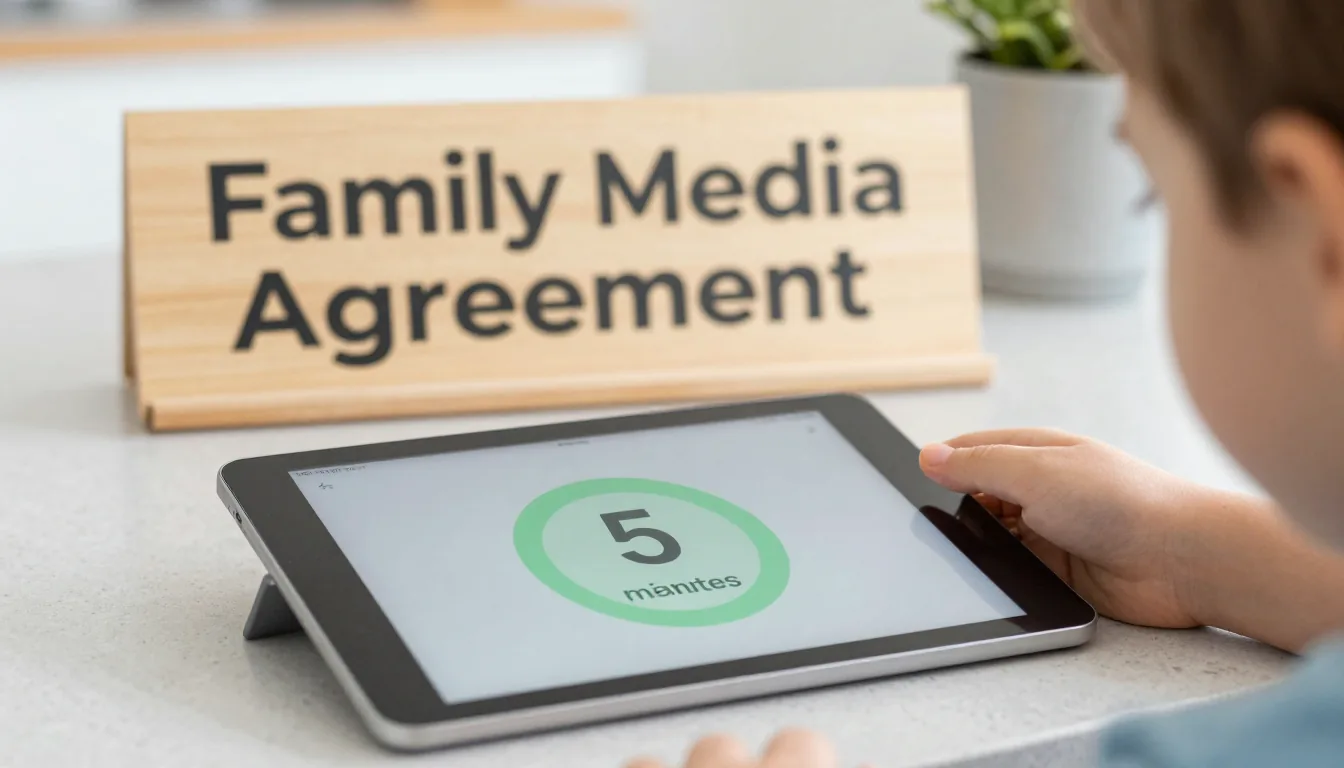
Built-in phone controls like Apple Screen Time or Google Family Link can set daily caps and block apps after hours. They even give a five-minute warning before shutdown.
Let the tech take the blame: "Sorry, the iPad says no more YouTube."
Explore third‑party apps like Qustodio or Bark for more granular controls, including content filtering and location tracking. The best tool is the one you actually set up and use consistently.
These tools make enforcing screen time limits much easier.
Create a Family Media Agreement
Sit down together and draft a simple contract covering allowed apps, daily hours, and screen-free times (meals, homework, bedtime). Have everyone sign it—even the six-year-old.
This transforms screen time limits from a parental decree into a mutual promise that kids respect.
Include consequences for breaking the agreement, such as losing next day's screen time. Revisit the document every quarter to adjust as kids grow and schedules change.
The agreement should clearly state the screen time limits for each child.
Replace Screen Time with Something Better
If you shut off the tablet without an alternative, expect a meltdown. Keep a list of offline activities ready: LEGOs, bike rides, board games, or slime-making.
Start a family tradition like Taco Tuesday or Puzzle Night so enforcing limits feels less like punishment.
Consider outdoor scavenger hunts, baking afternoons, or simple science experiments. The key is to make the alternative as appealing as the screen—at least sometimes.
Model the Behavior You Want
Children learn more from what you do than what you say. If you're glued to your phone during dinner, don't expect them to put theirs down.
Announce when you're putting your own device away and share the sacrifice. You can't enforce screen time limits if you're constantly on your phone.
Designate phone-free zones like the dining table or bedrooms. When they see you reaching for a book instead of Instagram, the message sticks.
Allow Flexibility Within Boundaries
Life happens—sick days, long car rides, movie nights. Build in one "flex hour" per week for extra screen time, but keep the core limit firm.
This teaches self-regulation as kids learn to budget their extra time.
Explain that flexibility is a privilege, not a right. If they abuse it, the flex hour disappears for the next month.
Review and Adjust Together
Every few months, revisit the agreement and discuss what's working. Maybe a new game is causing arguments, or school workload has changed.
Tweaking your screen time limits as a family prevents rebellion and keeps everyone on board.
Celebrate successes—if they stuck to the limits for a month, treat them to a special outing or a new board game.
For more practical tips, check out our Parenting & Family resources. Evidence-based guidelines from the American Academy of Pediatrics offer age-specific recommendations. For tech tool tutorials, Common Sense Media explains parental controls for every device.
Remember: the goal isn’t zero screens—it’s healthy balance. You’ve got this.