
First Gaming PC Build: The Hidden Pitfalls
Building your first gaming PC is exciting, but one wrong part choice can waste hours and money. I’ve seen builds fail due to simple oversights that a little planning prevents.
Let’s cut through the hype and focus on the real traps. Research is your best friend before spending any cash.
Mistake 1: Ignoring CPU and Motherboard Compatibility
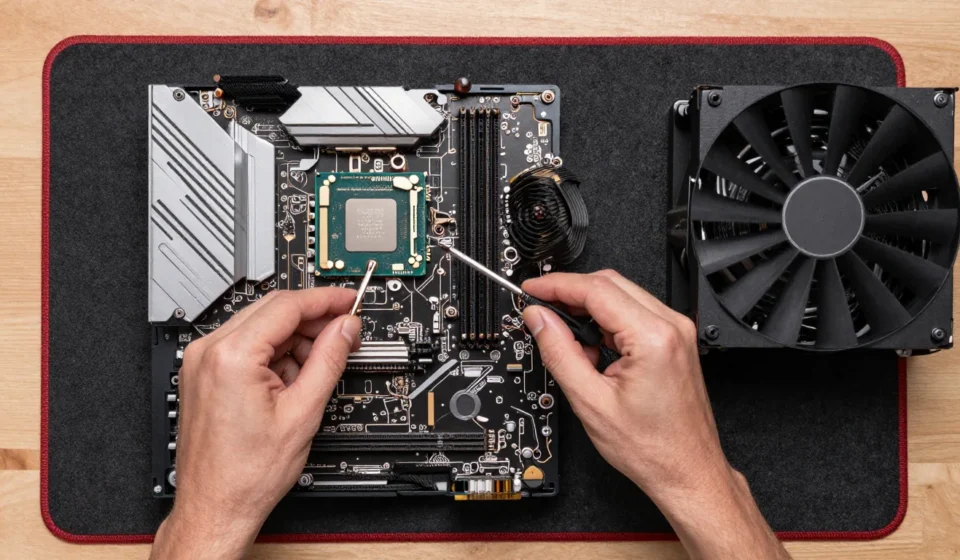
Not every CPU fits every motherboard. Intel LGA1700 chips only work with 600 or 700 series boards, and AMD AM5 requires specific chipsets like B650 or X670.
Check the socket and chipset before buying; PC Part Picker filters help but double-check manufacturer support lists. Many new builders overlook the BIOS version needed for newer CPUs.
Updating BIOS may require an older CPU, creating a catch-22. Verify your motherboard supports the CPU out of the box.
Mistake 2: Skimping on the Power Supply
A cheap PSU can fry components or cause crashes. Aim for an 80+ Bronze or better unit from brands like Seasonic, Corsair, or EVGA.
Calculate your system’s wattage with a tool and add 20% headroom. Never reuse an old, dusty PSU from a prebuilt—they lack modern protections.
A quality unit also offers better efficiency and lower noise, making your build more enjoyable. For a first gaming PC, a reliable PSU is a wise investment.
Mistake 3: Forgetting the I/O Shield or Motherboard Standoffs
Install the I/O shield before mounting the motherboard—many forget and have to dismantle everything. Also, ensure you place brass standoffs in the case matching your motherboard’s holes.
A missed standoff can short the board, causing permanent damage. Double-check the manual; case layouts vary and some use pre-installed standoffs.
A quick visual inspection saves a lot of grief. Take your time and confirm each standoff aligns with a mounting hole.
Mistake 4: Poor Cable Management That Chokes Airflow
Loose cables block fan paths and raise temperatures. Route cables behind the motherboard tray, use zip ties, and keep the main chamber clean.
It takes an extra 20 minutes but lowers GPU and CPU temps by 3-5°C in real tests. Good cable management also simplifies future upgrades and looks professionally done.
If you struggle, watch a build guide specific to your case model. A tidy interior also makes troubleshooting easier later.
Mistake 5: Not Bench-Testing the System Outside the Case
Assemble the CPU, cooler, RAM, GPU, and PSU on the motherboard box before installing everything. This way, you can verify POST and detect faulty parts without fighting cramped case space.
It saves hours of headache if something fails. If the system doesn’t POST, you can swap components easily.
Many builders skip this step and then blame the hardware. Bench-testing is especially helpful for your first gaming PC build.
Additional Pitfall: Overlooking GPU Clearance and Cooling
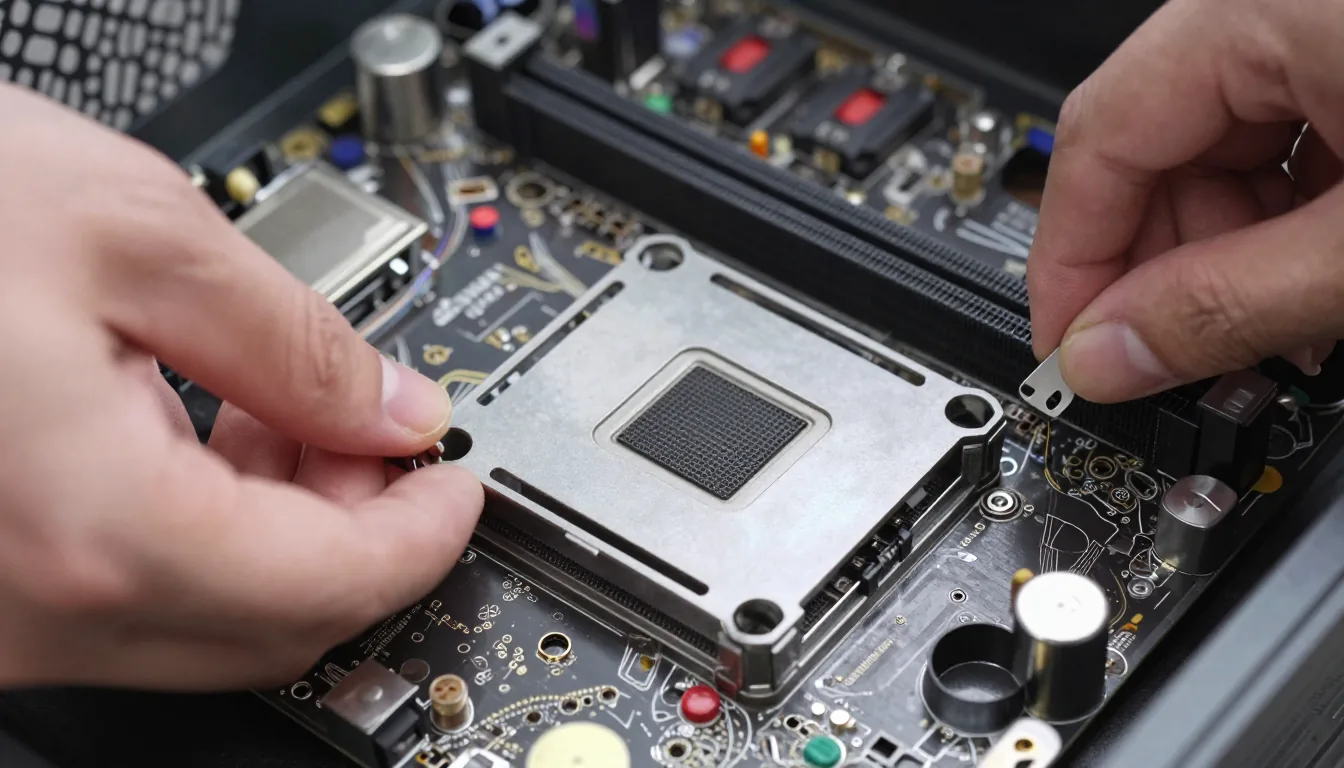
Graphics cards have grown massive. Check your case’s maximum GPU length and width, including cable clearance.
Also ensure the card fits with front fans installed. Similarly, CPU cooler height must align with the case’s specifications.
Low-profile coolers often underperform, while tall coolers may interfere with the side panel. Measure twice and check tolerances before buying. For a first gaming PC, verifying dimensions avoids frustration.
Another common oversight is neglecting to apply thermal paste correctly. A pea-sized dot in the center spreads evenly under pressure.
Too little causes hot spots; too much can ooze onto the socket. Use quality paste like Arctic MX-4 or Noctua NT-H1.
This small step directly impacts CPU temperatures and clock speeds. Good paste application keeps your system running cool and quiet.
Final Thoughts on Your Build
Building your first gaming PC is a skill that grows with practice. Avoid these five pitfalls and the additional tips, and you’ll likely have a smooth, rewarding experience. For more Tech & Gadgets guides, check our other articles.
For deeper part selection, visit PCPartPicker for compatibility checks and Gamers Nexus for honest hardware reviews. Remember that patience and thoroughness are your best tools. Happy building!