
The Hidden Dangers of Non-Certified Cables
Every year, thousands of devices get damaged by cheap, uncertified charging cables. These cables might cost a few dollars less, but they can ruin your phone, tablet, or laptop.
The lack of proper insulation and voltage regulation often leads to overheating, short circuits, and even fires.
Certified charging cables undergo rigorous testing to meet safety and performance standards. Without certification, you're gambling with your device's longevity and your home's safety.
Spending a bit more upfront can prevent costly repairs or replacements.
How Certification Works
USB-IF Certification
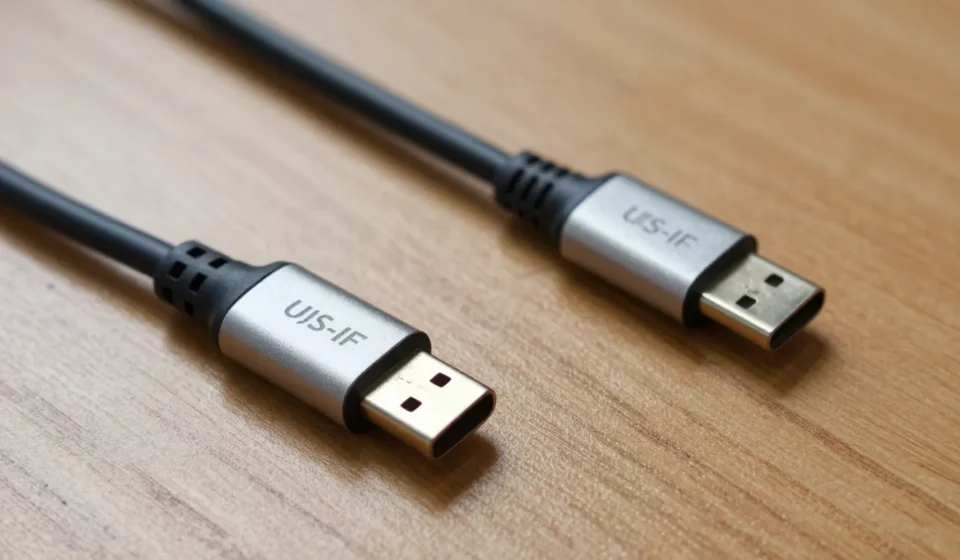
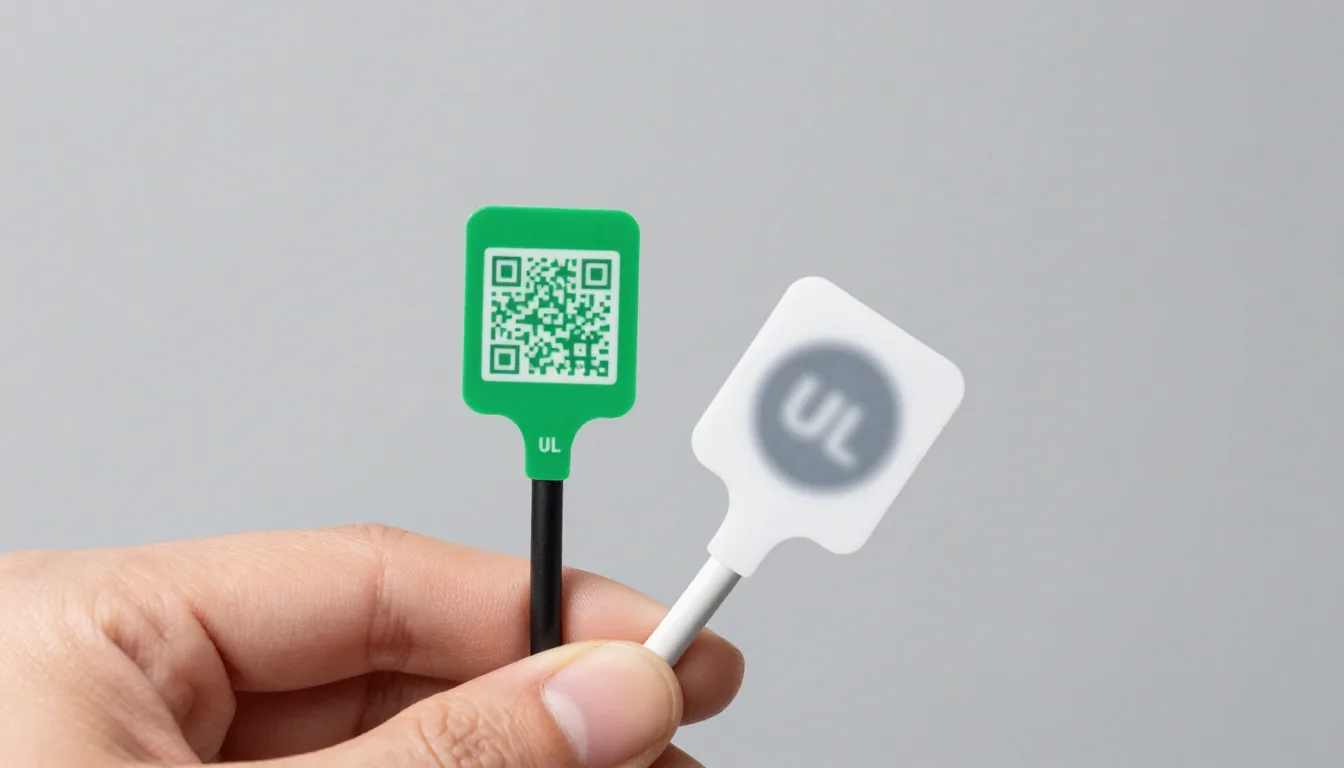
The USB Implementers Forum (USB-IF) is the main body that validates USB cables for compliance with power delivery and data transfer standards. A certified cable will have a unique logo and may include a QR code for verification.
Look for the ‘Certified USB’ logo on the packaging. Many knockoffs mimic this logo poorly, so check the font and spacing.
MFi Certification for Apple Devices
Apple’s ‘Made for iPhone/iPad/iPod’ (MFi) program ensures cables work reliably with Lightning connectors. Uncertified Lightning cables often trigger ‘This accessory is not supported’ warnings and may stop working after iOS updates.
MFi cables have an authentication chip that talks to your device. Fakes lack this chip or use counterfeit ones.
Other Important Certifications
Look for safety marks like UL (Underwriters Laboratories) or CE (Conformité Européenne). These indicate the cable meets regional safety standards for fire and electrical risk.
Combined with USB-IF or MFi, these marks give you confidence the cable is safe for daily use.
What Uncertified Cables Get Wrong
Wire Gauge and Resistance
Certified charging cables use thicker copper wires (lower AWG) to handle higher currents without voltage drop. Uncertified cables often use thin, cheap copper or even aluminum, causing slow charging and excess heat.
A flimsy cable that feels too light is a red flag. Genuine USB-C to USB-C cables for laptop charging need to handle 60W or 100W—never trust a bargain bin cable for that.
Connector Quality and Durability
The metal tips on uncertified cables are often poorly molded, leading to loose fits and arcing. Over time, this damages your device’s charging port.
Genuine cables have reinforced strain relief near the connectors and use hard plastic or rubber that doesn’t crack easily.
Data Transfer Issues
Uncertified cables often fail to maintain USB 3.0 or Thunderbolt speeds. You might experience corrupted file transfers or slow syncing.
Certified cables guarantee the advertised data rates, which is critical for backing up large media files.
How to Spot Genuine Certified Charging Cables
- Check the packaging and branding. Legitimate cables have clear logos, regulatory markings (CE, FCC, UL), and a manufacturer name you can verify.
- Scan QR codes or visit the certification body’s website. USB-IF has a searchable database of certified products. If a cable claims certification but isn’t listed, it’s fake.
- Measure resistance with a USB tester. A quality USB-C cable should have under 0.1 ohm resistance for power lines. Cheap cables often exceed 0.5 ohm.
- Look for physical markings on the cable itself. Certified cables often have the logo embossed on the connector housing or printed along the wire.
- Buy from reputable brands. Anker, Belkin, and Apple themselves produce certified cables. AmazonBasics also has certified options.
Taking a few minutes to verify certification can save you from buying a dangerous product. It’s a simple step that pays off in safety.
When and Where Certification Matters Most
For charging phones at low speeds (5W to 10W), uncertified cables might work for a while. But once you move to fast charging (18W or more) or laptop charging (60W+), certified charging cables become essential.
If you travel with multiple devices, a certified multi-charger cable is a safer bet than a cheap alternative. Read our full guide on Tech & Gadgets for more safe charging practices.
In workplaces or public spaces, using certified cables reduces the risk of electrical fires. Always carry a certified cable for your everyday devices.
Final Thoughts on Safe Charging
Investing in certified charging cables is cheap insurance against device damage and fire hazards. The extra few dollars you spend can save hundreds in repairs or replacements.
Remember: if a deal seems too good to be true for a charging cable, it probably is. Stick with certified products from trusted sources. For more information, check out the USB-IF certification page and Apple’s MFi program.