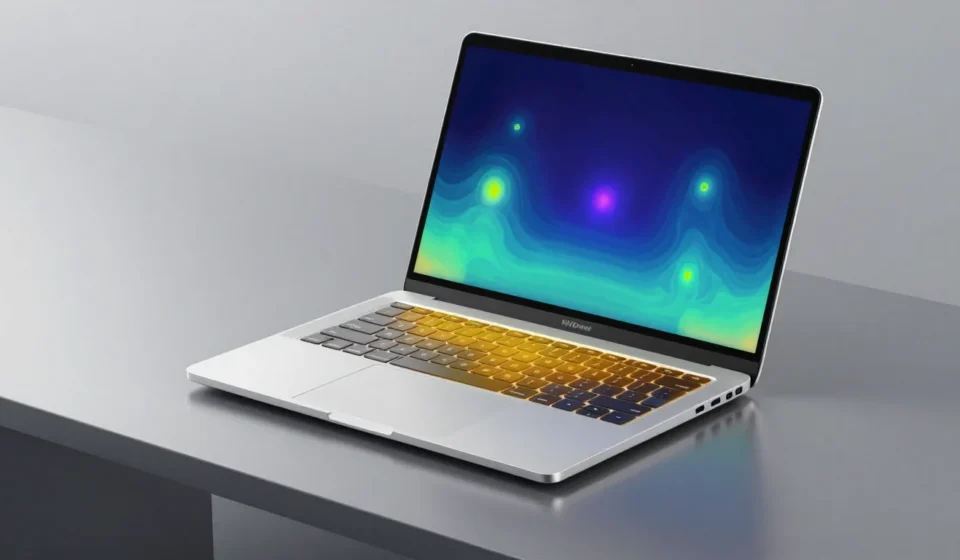

The allure of ultra-thin laptops is undeniable—slim, light, and ready to slip into any bag. But the ultra-thin laptop tradeoffs in performance, thermal management, and long-term usability are often glossed over.
This article examines the hidden costs of extreme portability.
The Performance Ceiling of Thin-and-Light Designs
Modern ultra-thins rely on low-power processors, which inherently cap performance. Even with the latest chips, sustained workloads push thermal limits quickly.
The result is a noticeable gap between peak and sustained speeds. This is a fundamental trade-off in the thin-and-light category.
Understanding Ultra-Thin Laptop Tradeoffs in Thermal Management
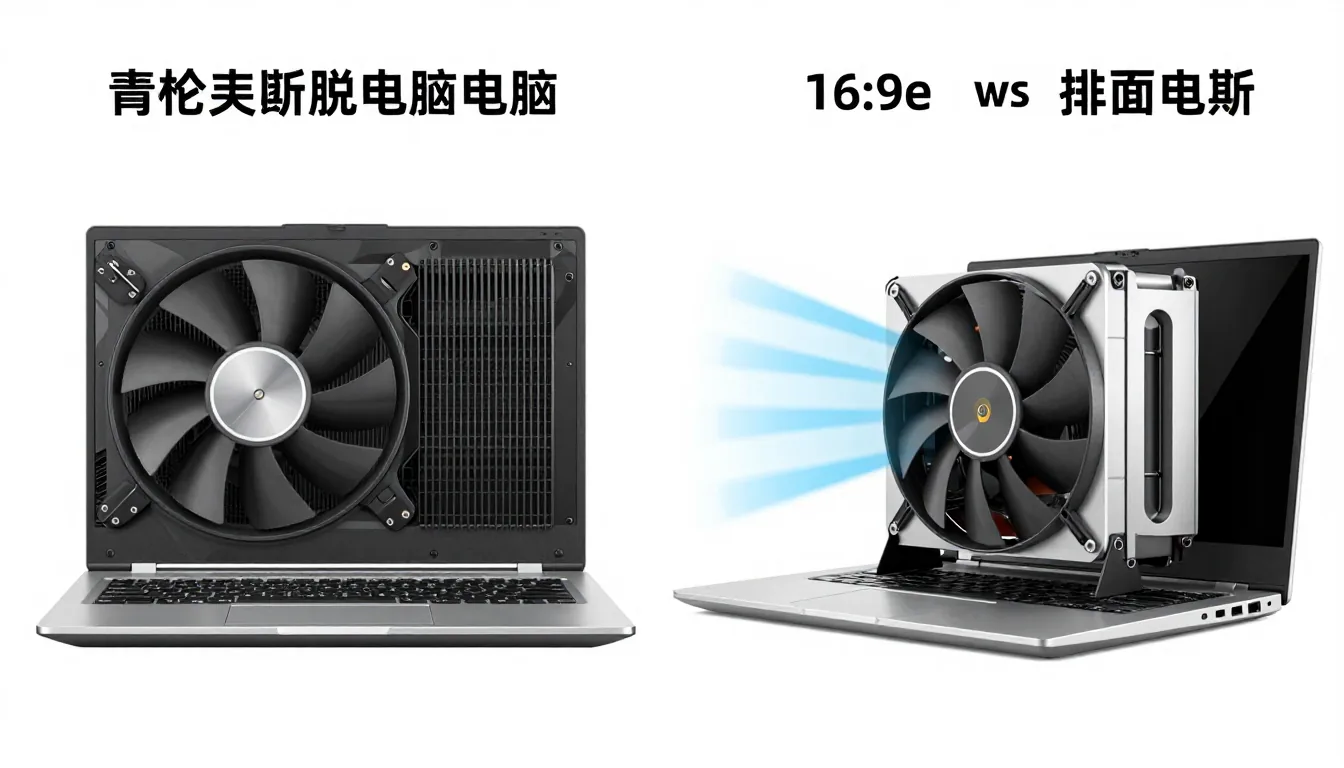
Thin chassis leave little room for effective cooling. Fans are smaller, heatsinks thinner, and airflow heavily restricted.
Under heavy load, temperatures spike. The CPU and GPU must reduce clock speeds to prevent damage, leading to stuttering and slower task completion.
Real-World Impact on Creative Work
Video rendering or 3D modeling on an ultra-thin often results in export times 20–40% longer than on a thicker laptop with the same processor.
Users report frequent frame drops during gaming or real-time effects work, as thermal limits are consistently hit.
Battery Life—Less Than Advertised
Marketing often boasts “all-day battery,” but real-world usage tells a different story. Ultra-thin laptops pack smaller batteries to maintain their slim profile.
Combined with high-resolution displays and demanding apps, actual runtime often falls to 4–6 hours under load. Fast charging helps, but it’s a band-aid.
Trade-off Between Weight and Capacity
Adding battery capacity directly conflicts with thinness. Manufacturers prioritize slimness, leaving users tethered to outlets.
External power banks can extend life but add bulk—defeating the portability advantage.
Upgradeability—Sealed for Good or Ill?
Most ultra-thins feature soldered RAM and storage. This means no post-purchase upgrades for memory or SSD, locking you into the initial configuration.
This is a deliberate choice: repairability sacrificed for thinness. Some manufacturers offer build-to-order options, but they come at a premium.
Impact on Longevity
An unupgradeable machine becomes obsolete faster. After a few years, insufficient RAM or storage forces a full replacement.
In contrast, a thicker laptop with socketed components can see a second life with simple upgrades.
Connectivity Compromises
Ultra-thins often strip away USB-A ports, HDMI, and SD card slots. Users must carry dongles or hubs for even basic peripherals.
This adds friction for photographers, presenters, or anyone using wired mice or external drives.
Is Portability Worth It?
For frequent travelers and mobile workers, the weight savings are transformative. These laptops excel in meetings, coffee shops, and cramped airplane seats.
But for stationary power users—developers, video editors, gamers—a thicker, better-cooled laptop with upgradeable parts is a more rational choice.
Ultimately, the decision hinges on your specific workload. Understanding the full scope of these trade-offs helps you make an informed purchase. For more insights on laptop design trade-offs, visit our Tech & Gadgets category.
External benchmarks from AnandTech confirm throttling patterns in ultra-thins, while Notebookcheck battery tests show real-world runtimes well below marketing claims.
Another key aspect is the cost of these trade-offs in terms of price. Ultra-thins often command a premium over similarly specced thicker laptops.
For example, a 13-inch ultra-thin with a mid-range processor can cost $1,200 or more, while a comparable 15-inch laptop with better cooling might be $900.
Moreover, the limited upgradeability means you may need to buy a higher-spec model upfront to future-proof. This upfront cost is a significant part of the trade-off equation.
If you plan to keep your laptop for more than three years, investing in a thicker, upgradeable model often saves money in the long run.
Finally, consider the ergonomic trade-offs. Ultra-thin laptops often have shallow key travel and limited port selection.
Typing for long periods can be less comfortable, and you may need a separate keyboard.
These smaller concessions add up, making the overall user experience slightly less seamless than with a traditional laptop.