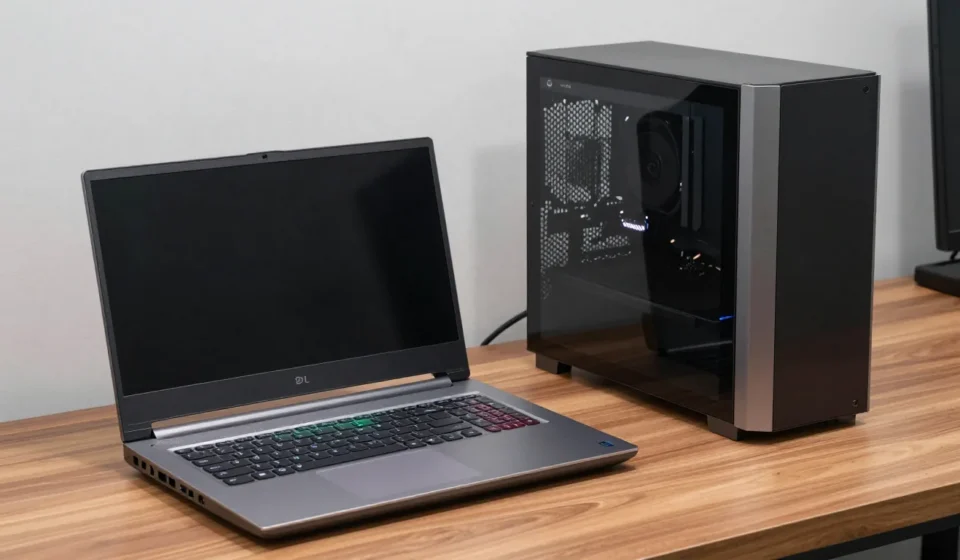

When deciding between a gaming laptop vs desktop, your choice hinges on where and how you play. Desktop PCs offer raw power and upgradability, while laptops prioritize portability.
Let's break down the key factors so you can decide which platform fits your lifestyle and budget.
Gaming Laptop vs Desktop: Performance and Thermal Constraints
Desktop CPUs and GPUs run at higher wattages, delivering sustained performance without thermal throttling. A desktop RTX 4080 consumes 320W, while laptop equivalents hover around 115–150W and often throttle under sustained loads.
Laptop hardware has improved, but physics limits cooling. You won’t match a desktop’s clock speeds or frame rates in a thin chassis, especially in CPU-bound titles like Cyberpunk 2077 or Starfield.
Thermal design plays a huge role in this gaming laptop vs desktop comparison. Desktop cases accommodate large heatsinks and multiple fans, while laptops rely on vapor chambers and small fans that quickly become loud under load.
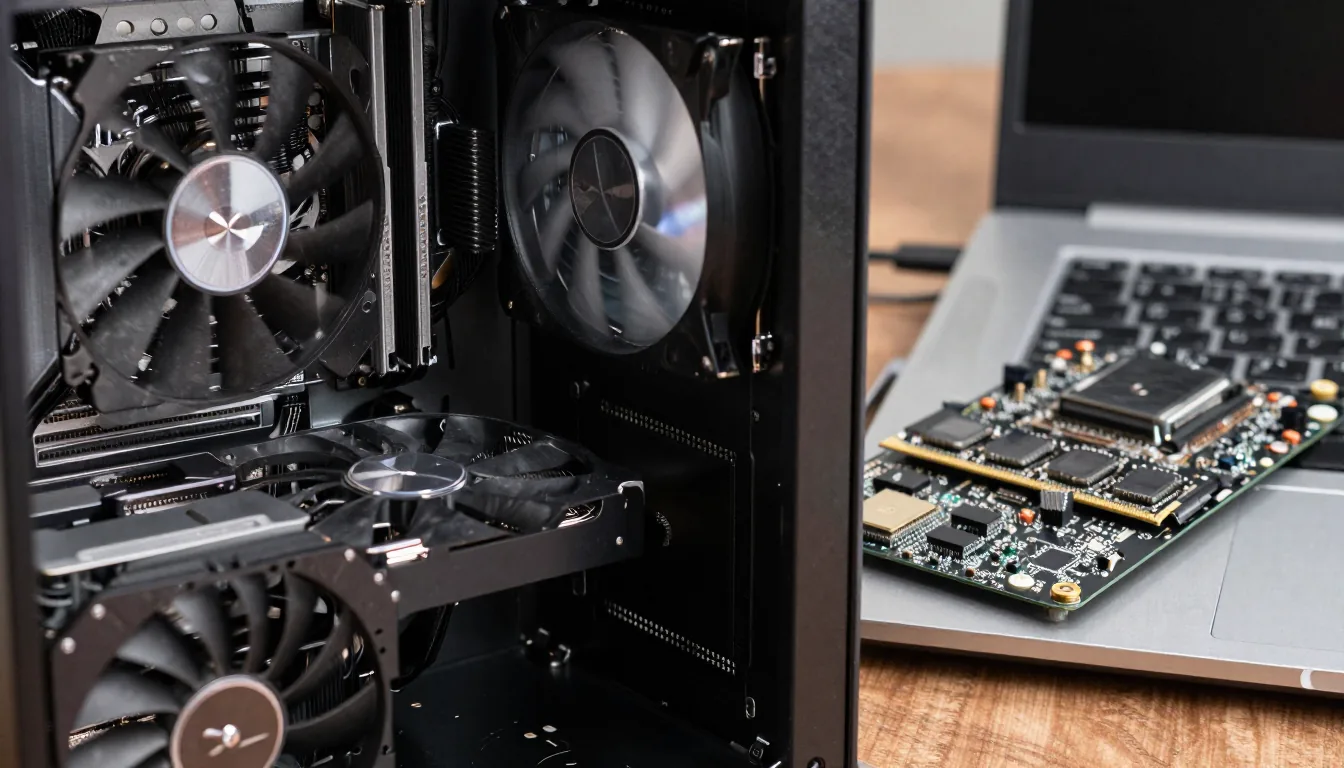
Upgradability and Future-Proofing
Desktops let you swap GPUs, CPUs, RAM, and storage. A single component upgrade can extend a system's life by years.
Laptops typically lock you into soldered RAM and non-replaceable GPUs.
Some high-end laptops offer upgradeable RAM or SSDs, but that's the exception. After 3–4 years, you're often buying a new machine rather than upgrading.
In contrast, a desktop can be refreshed with a new graphics card alone.
Storage and Memory Limits
Most gaming laptops have two M.2 slots and soldered memory. Desktops support multiple drives and DIMM slots.
If you need 64GB RAM and 4TB storage, a desktop is cheaper and simpler.
Memory speed also matters. Desktop RAM runs at higher frequencies with lower latency, benefiting CPU-bound games.
Laptops use SODIMM modules that trail desktop RAM in performance.
Portability and Real-World Use
Gaming laptops weigh 4–6 pounds, plus a bulky power brick. They fit in a backpack but aren't truly portable for daily commutes.
Battery life under load is 1–2 hours, so you're tethered to an outlet.
Desktops stay put. If you move frequently or attend LAN parties, a small form-factor desktop (e.g., Fractal Terra) strikes a balance—lighter than a full tower but still less portable than a laptop.
Consider your daily routine. If you travel weekly, a laptop saves you from buying a second system.
That convenience drives many to accept the compromises in a gaming laptop vs desktop debate.
Total Cost of Ownership
A desktop with equivalent performance to a $2,000 laptop often costs $1,400–$1,600. But you need a monitor, keyboard, mouse, and headset—add $400–$600.
Laptops include a screen and keyboard, but the built-in peripherals are mediocre.
Long-term, desktops save money through upgrades. A $1,500 desktop may last 5–6 years with a GPU swap.
A $2,000 laptop typically becomes obsolete in 3–4 years with no upgrade path.
Resale Value and Depreciation
Laptops depreciate faster because they’re harder to repair and upgrade. A used three-year-old gaming laptop sells for 30–40% of its original price, while a desktop can fetch 50–60% parted out.
Factor in these costs when weighing gaming laptop vs desktop options. The initial price gap narrows once you account for longevity and resale value.
Use Case Analysis: Who Wins Where?
For dedicated home gamers, a desktop is the rational choice—better performance, lower cost per frame, and easy upgrades. For students or frequent travelers, a laptop is necessary despite compromises.
If you're a hybrid user, consider a Thunderbolt-equipped laptop paired with an external GPU enclosure. It's clunky but offers desktop-level graphics at home when docked.
This setup bridges the gaming laptop vs desktop divide.
The Verdict: Practical Advice
In 2025, the gap between a gaming laptop vs desktop has narrowed but not closed. Gaming laptops are competent, but desktops still win on performance-per-dollar and longevity.
Choose a laptop only if you truly need portability; otherwise, build or buy a desktop.
For more insights, browse our Tech & Gadgets archive. For performance benchmarks, check Gamers Nexus or Notebookcheck for laptop thermal testing.