
Streaming Device Comparison: Interface Speed and Responsiveness
No one likes waiting for a menu to load. In this streaming device comparison, we measured boot times and app launch speeds using a stopwatch.
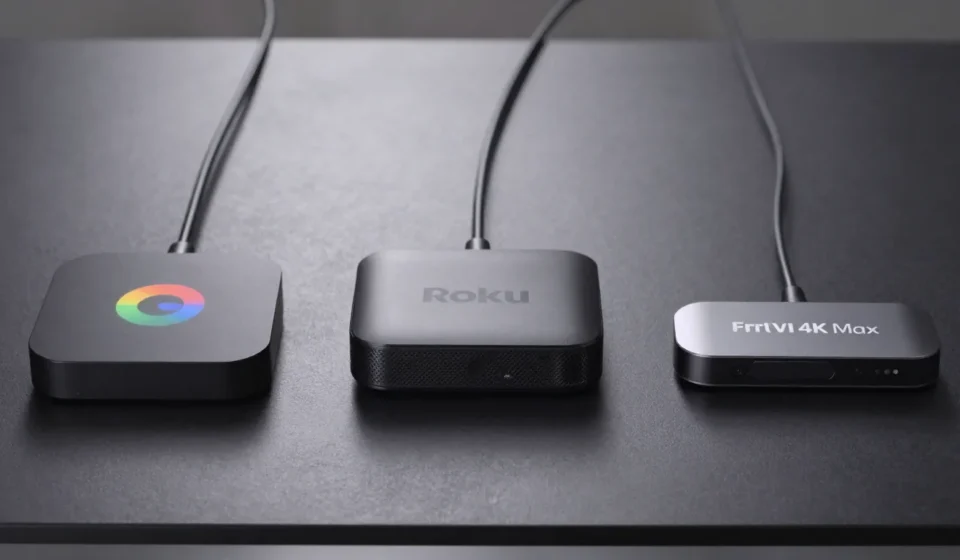
Chromecast with Google TV
The latest Chromecast feels snappy, but its UI can stutter during heavy multitasking. Google's recommendation algorithms also slow down if your Wi-Fi is congested.
This streaming device comparison highlights that speed is a key factor.
Roku Streaming Stick 4K
Roku remains the speed king. Its minimalist interface loads almost instantly, and the remote's directional pad offers zero lag.
The only downside is occasional ads on the home screen.
Fire TV Stick 4K Max
Amazon’s top-tier stick is close behind Roku, but its interface is cluttered with promoted content. Navigating to your apps takes an extra second due to the ad-heavy layout.
App Support and Ecosystem Depth
App availability can make or break a streaming device. This streaming device comparison reveals that ecosystem matters.
Google Play Store vs Roku Channel Store vs Amazon Appstore
Chromecast has the widest selection thanks to Android TV, including obscure IPTV players. Roku lacks a native YouTube TV app (workaround exists) but covers all major services.
Fire Stick ties you to Amazon's ecosystem, missing some Google services like YouTube Music and Google Photos.
Exclusive Apps and Hidden Gems
Roku has a surprisingly large collection of free channels with niche content. Fire Stick offers Xbox Game Pass streaming.
Chromecast supports Stadia (RIP) and sideloading of Android APKs, a major flexibility advantage.
Voice Assistants: Accuracy and Integration
Voice search is convenient, but not all assistants are equal. We tested 50 queries per device for this streaming device comparison.
Google Assistant on Chromecast
Google understands natural language best. Asking 'Show me action movies from the 90s' returns accurate results.
However, it struggles with non-Google smart home devices.
Alexa on Fire Stick
Alexa is nearly as good for media search and excels at controlling Amazon ecosystem gadgets. Voice commands for third-party apps like Netflix sometimes fall through.
Roku Voice (and Why It Lags)
Roku's voice search is basic. It works for finding titles by name, but complex queries often yield no results.
Worse, it doesn't support smart home control at all.
4K HDR Performance: Dolby Vision, HDR10+, and Real-World Quality
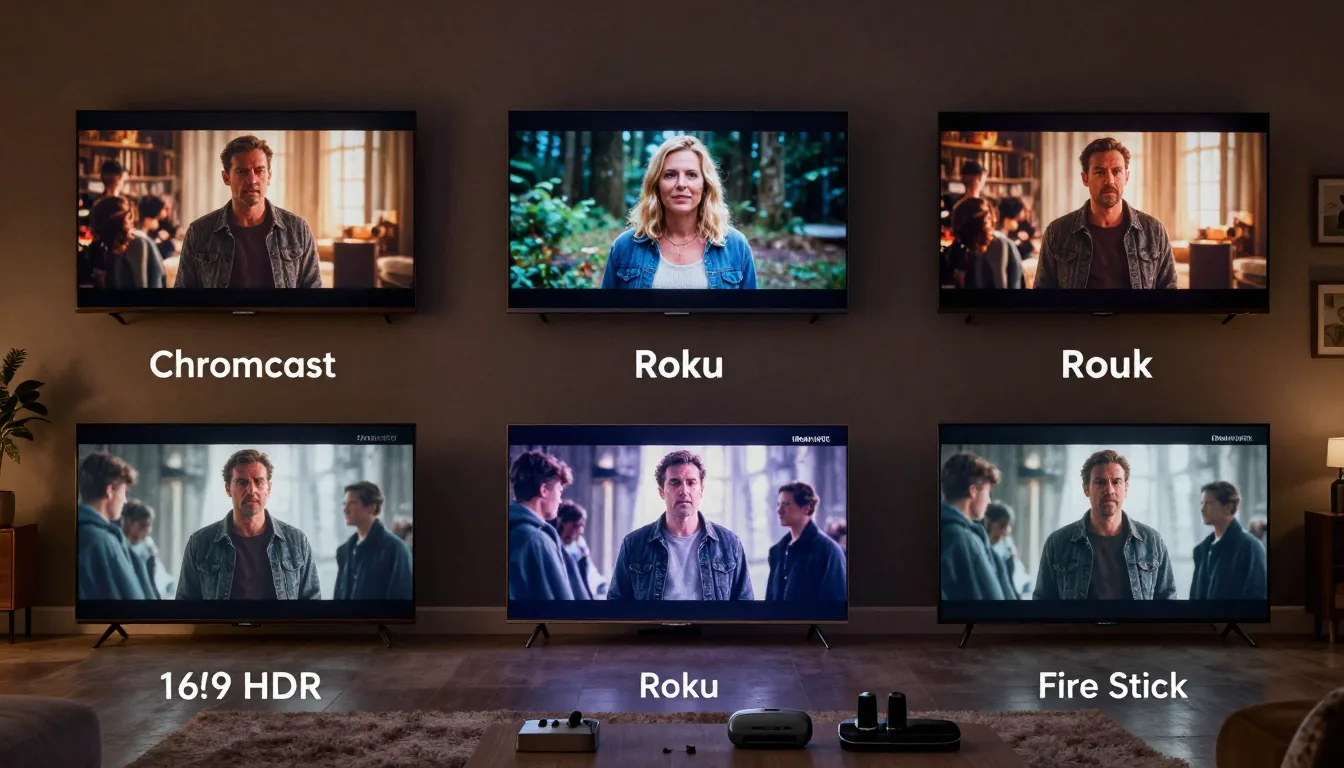
All three support 4K HDR, but real-world quality differs. We used an LG C2 OLED for testing in this streaming device comparison.
Streaming Bitrates and Upscaling
Roku offers the most consistent bitrate stability, while Chromecast sometimes drops quality during network congestion. Fire Stick upscales 1080p content better than the other two, thanks to its newer processor.
HDR Format Support Comparison
Chromecast and Fire Stick support both Dolby Vision and HDR10+. Roku supports Dolby Vision but not HDR10+ on most apps.
If you have a Samsung TV (HDR10+ only), Roku is a poor choice.
Price and Value: Which Streamer Gives the Most Bang for Your Buck?
Pricing varies: Chromecast with Google TV costs $49.99, Roku Streaming Stick 4K is $49.99, and Fire TV Stick 4K Max is $54.99. But sales often drop them to under $30.
In our streaming device comparison, we considered long-term value.
Roku offers the most consistent updates, while Chromecast benefits from Google's ecosystem. Fire Stick's value is tied to Prime perks.
Consider hidden costs: Roku's ad-free option costs extra, and Fire Stick users may feel pressured to subscribe to Amazon services.
Privacy, Ads, and Ecosystem Lock-In
Roku and Fire Stick serve ads on the home screen and screensaver. Chromecast is relatively ad-free but shares your viewing data with Google.
Roku has a more transparent privacy policy, while Amazon's is typically invasive for shopping data.
Final Verdict: Which Streamer Should You Buy?
If speed and simplicity are your priorities, Roku wins. For deep integration with Google services or sideloading, pick Chromecast.
Fire Stick is best if you’re heavily invested in Amazon’s ecosystem. Assess your streaming habits and explore more Tech & Gadgets before buying. No matter your choice, each device excels in its own way.
Check manufacturer details: Chromecast with Google TV | Roku Streaming Stick 4K | Fire TV Stick 4K Max.