
Modern vehicles speak a universal language through their On-Board Diagnostics II (OBD-II) port. If you want to diagnose a check engine light accurately, OBD-II code reading is the first step any mechanic takes. This guide will teach you to decode diagnostic trouble codes (DTCs) and interpret freeze frame data to pinpoint repairs efficiently.
Understanding the OBD-II Code Structure
To master OBD-II code reading, you must first understand the five-character format. The first letter indicates the system (P = Powertrain, B = Body, C = Chassis, U = Network).
The second character is 0 for generic codes (SAE-defined) or 1 for manufacturer-specific codes. The third character identifies the subsystem (1 = Fuel/Air metering, 2 = Injector circuit, etc.).
The last two digits pinpoint the specific fault.
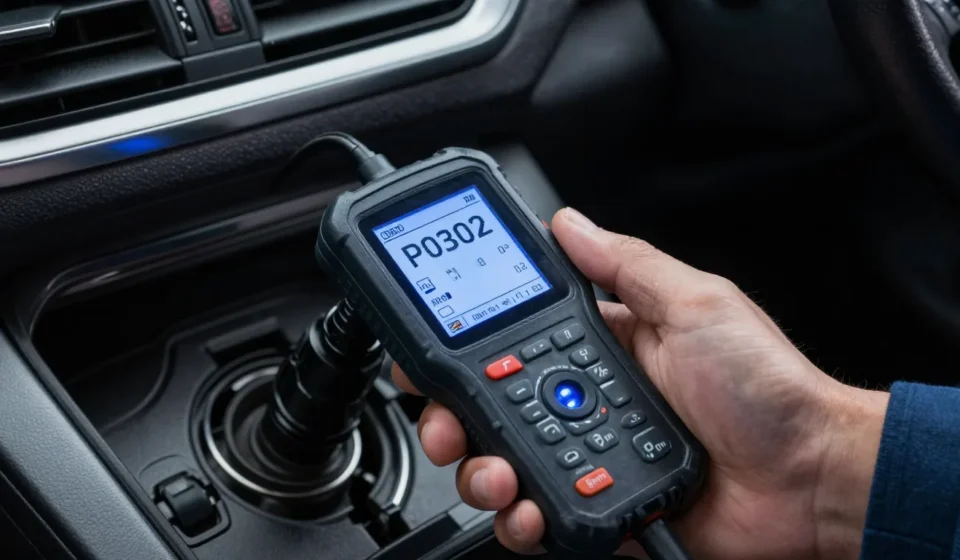
For example, P0302 means: Powertrain, generic, misfire detected in cylinder 2. Knowing this pattern lets you narrow down the problem without memorizing every code.
The P0xxx Series: Engine and Emissions
These are the most common codes. P0171 (System Too Lean) and P0420 (Catalyst Efficiency Below Threshold) appear frequently.
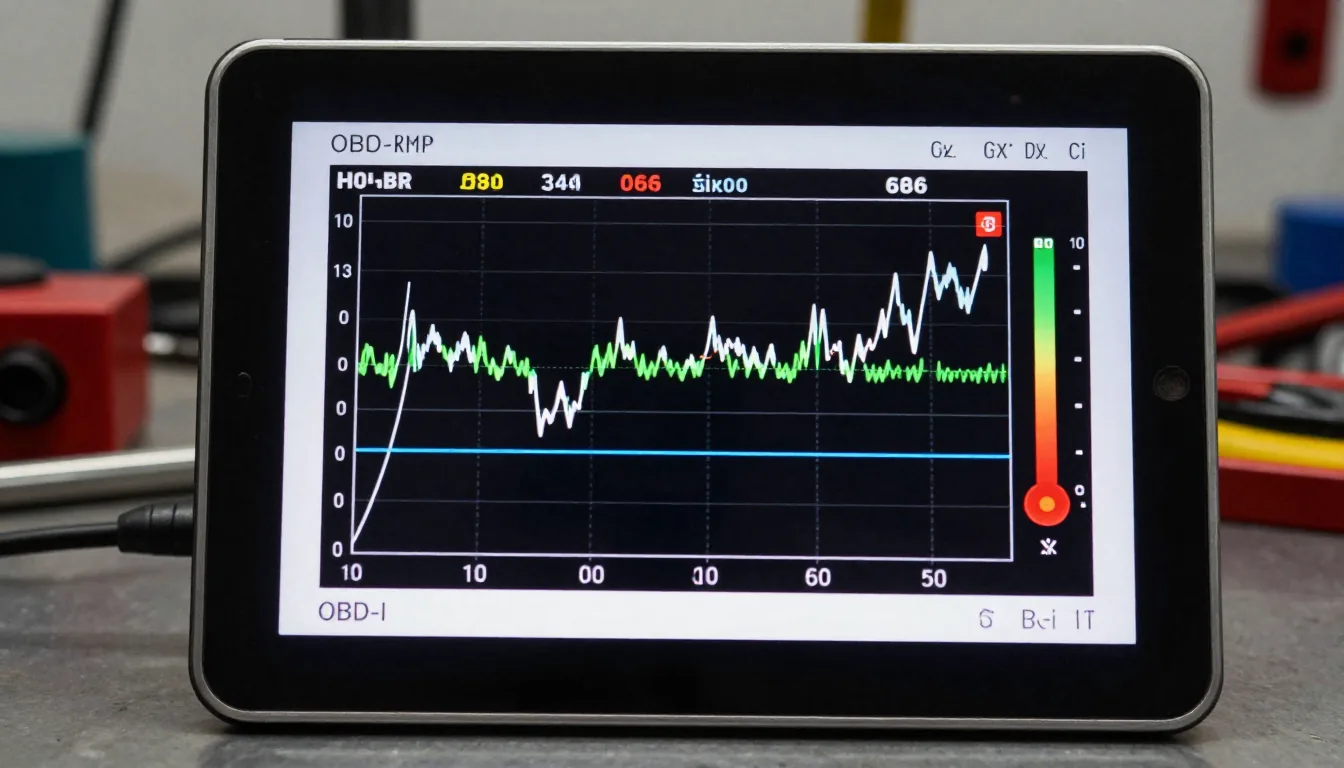
When you pull a P0xxx code, check freeze frame data first—it records engine conditions (RPM, coolant temp, fuel trim) at the moment the fault triggered.
For instance, a P0300 (random misfire) with high coolant temp suggests a head gasket leak, while a P0300 with low fuel pressure points to a fuel pump issue. OBD-II.com offers a comprehensive list of generic codes.
How to Read Freeze Frame Data
Freeze frame data is a key part of OBD-II code reading. It is a snapshot of sensor readings when the DTC set.
It includes calculated load, engine speed, short-term fuel trim, and vehicle speed. Compare these values to known good ranges.
For example, if freeze frame shows LTFT (Long Term Fuel Trim) beyond ±10%, the engine is compensating for a vacuum leak or failing oxygen sensor.
Using this data, you can confirm whether the code is a one-time glitch or a persistent issue. Erase the code and monitor if it returns under similar conditions—a process mechanics call “confirming the fault.”
Beyond P0xxx: Body, Chassis, and Network Codes
B-codes (Body) affect interior systems like airbags and HVAC. C-codes (Chassis) include ABS and suspension faults.
U-codes (Network) indicate communication errors between modules. These require more specialized tools, but understanding the code structure still helps: U0100 means lost communication with ECM, often due to a wiring fault.
For a deeper dive, SAE J2012 defines the standard code format used worldwide.
Step-by-Step Diagnostic Process
Effective OBD-II code reading requires a systematic approach. Follow these steps:
- Connect scanner to the OBD-II port (usually under the dash).
- Read codes—note all codes, not just the first one.
- Capture freeze frame data for the primary code.
- Research code using reliable sources—avoid guesswork.
- Perform visual inspection of related components (hoses, connectors).
- Test sensor values with a multimeter if needed.
- Repair the root cause, then clear codes and test drive.
Never replace parts based solely on a code. For example, P0455 (large evap leak) could be a loose gas cap or a cracked hose.
Use freeze frame and smoke test to confirm.
Common Pitfalls in OBD-II Code Reading
One mistake in OBD-II code reading is ignoring pending codes—these are intermittent faults that haven't yet illuminated the MIL. Another is clearing codes without diagnosis, which only masks symptoms.
Always freeze frame and trend fuel trim data; high fuel trims kill catalytic converters.
For more advanced learning, visit OBD-Codes.com to see real-world examples and repair guides.
Conclusion: Think Like a Mechanic
OBD-II code reading is a skill that combines pattern recognition with data analysis. The code tells you what is wrong; freeze frame tells you when and under what conditions. Pair that with a logical diagnostic tree, and you’ll fix vehicles faster and more accurately.
Explore more Automotive & Mobility articles for in-depth technical guides.