
Fix Slow Charging Phone: Common Causes
To fix slow charging phone issues, start by understanding the usual culprits. You plug in your phone, walk away, and come back to find only a 10% gain.
Before buying a new device, let's diagnose why your battery isn't filling up at its usual pace.
Cable and Adapter Issues
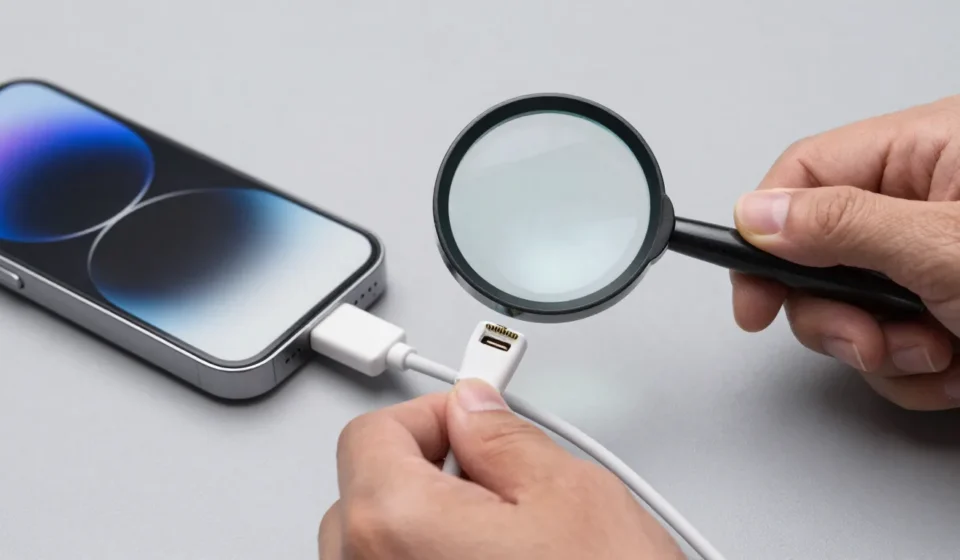
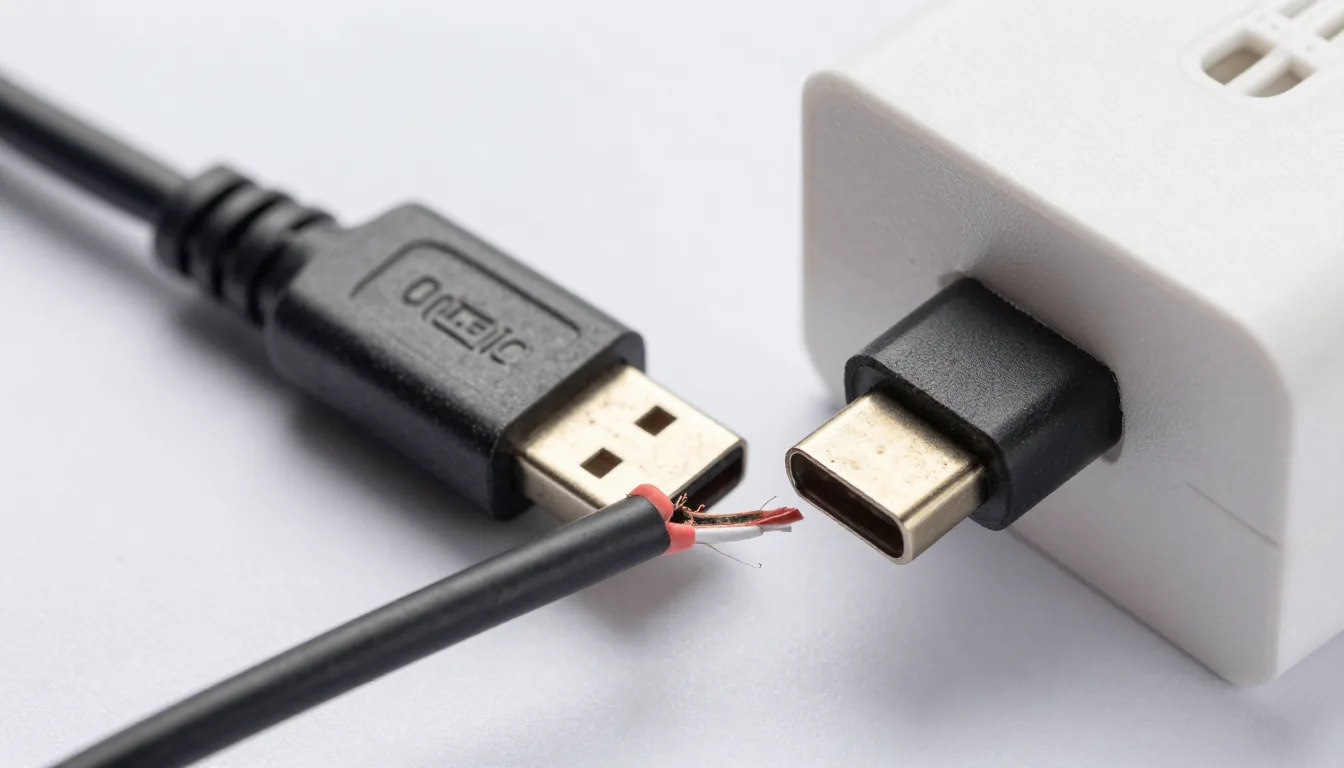
The most frequent culprit is a damaged or low-quality charging cable. Look for frayed ends or bent connectors; even small breaks increase resistance and heat, slowing power delivery.
Swap cables to test—if your phone charges faster with a different one, you've found the problem. Checking your cable is the first step to fix slow charging phone issues.
Similarly, the wall adapter matters: a 5W charger from an old phone will never fast-charge a modern device. Check the output rating (amps and volts) printed on the brick.
For USB-C Power Delivery (PD) or Quick Charge (QC), you need a compatible adapter delivering at least 18W, ideally 25-45W for newer phones.
How to Choose the Right Cable
Not all USB-C cables are equal. Some cheap ones lack the e-marker chip for 3A or 5A current.
Look for certified cables (USB-IF logo) rated for the wattage your phone supports. For iPhones, a MFi-certified Lightning cable ensures proper communication with the adapter.
Also check for dust or lint in the charging port. Even a small amount can prevent full contact, reducing current flow.
Use a non-conductive tool (wooden toothpick or plastic spudger) to gently clean it out. Avoid metal objects that could short the pins.
Phone Case Interference
Bulkier cases, especially those with thick magnetic mounts or battery packs, can block wireless charging or create poor alignment. For wired charging, some cases physically prevent the plug from seating fully.
Remove the case and test; if the charging speed improves, consider a slimmer case or cut the port opening larger.
Software and Background Activity
Your phone's charging speed is also affected by what it's doing while plugged in. Heavy gaming, navigation, or streaming video generates heat, and heat throttles charging to protect the battery.
Close background apps, lower screen brightness, and turn off Wi-Fi/bluetooth if not needed.
Check for overheating: if your phone feels hot, it will slow charging significantly. Sometimes, an outdated OS can interfere with charging protocols.
To fix slow charging phone, ensure your device runs the latest software version—go to Settings > System > Software Update and install any pending updates.
Battery Health and Degradation
All lithium-ion batteries degrade over time. An older battery with high internal resistance won't accept charge as quickly.
On iPhones, go to Settings > Battery > Battery Health; if maximum capacity is below 80%, replacement is the real fix. If battery health is low, the only way to truly fix slow charging phone is to replace the battery.
On Android, use an app like AccuBattery to estimate health, but know that many manufacturers hide this data.
Degradation is gradual, so sudden slowness is rarely battery age alone; first eliminate cable, adapter, and port issues.
Wireless Charging Peculiarities
Wireless charging is inherently slower than wired, but if it's suddenly slower, check alignment. Your phone's coil must be centered over the charger's coil.
Thin cases (under 3mm) usually work; thick or metal cases don't. Ensure the charger supports your phone's fast wireless standard (e.g., Qi Extended Power Profile, or proprietary like 15W Samsung fast wireless).
Also, wireless chargers generate heat; if the pad’s fan is dead or vents blocked, the phone will reduce speed. Try a different wireless pad to isolate the issue.
When to Visit a Repair Shop
If you've tested multiple genuine cables, adapters, cleaned the port, and ruled out software, the problem might be hardware-related: a worn charging port, faulty battery management IC, or even a swollen battery pressing on connectors. If your phone charges only in certain positions, the port likely needs replacement.
This is a job for a professional technician.
For more Tech & Gadgets troubleshooting guides, check our category archive. External resources like Android Authority’s charging fix guide and Apple’s official charging support offer additional depth.