Navigate the Night Sky: How to Pick the Perfect Star Chart or App for Your Location

How to Choose the Right Star Chart App for Your Location
When you gaze up at a starry sky, having the right guide makes all the difference. Whether you’re a seasoned observer or a curious newcomer, learning to choose the right star chart app can turn a confusing mess of dots into a cosmic roadmap. Your location, light pollution, and personal goals all shape which tool is best for you.
Printed star charts have guided humanity for centuries, while modern apps put the universe in your pocket. But how do you pick the perfect one?
Let's explore the options and find your ideal stargazing companion.
Printed Star Charts: Timeless and Reliable
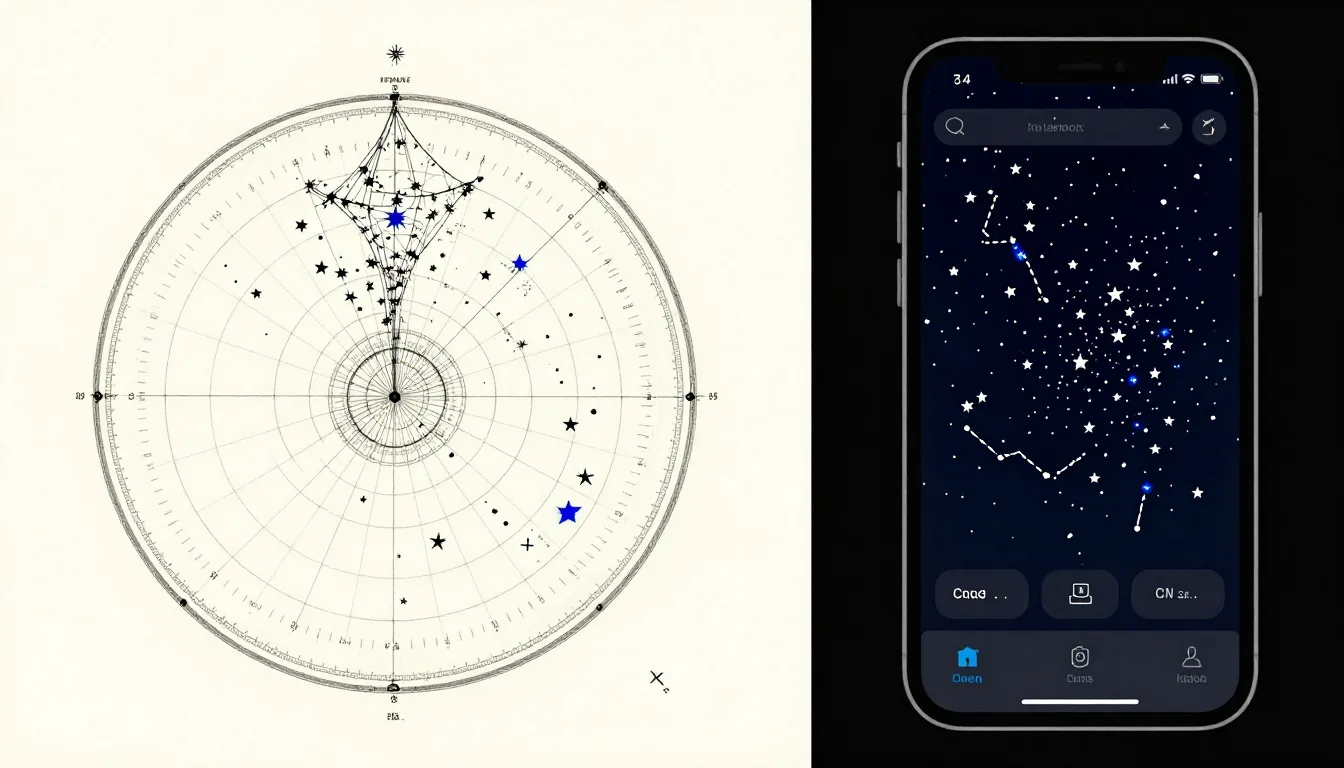
A printed star chart is a physical map of the night sky. Many beginners start with a planisphere, a rotating wheel that shows constellations for any date and time.
These are durable, require no battery, and let you see the big picture without a screen.
To use one effectively, you need to know your latitude. Charts are often designed for specific latitudes (e.g., 40° N).
If you're in the Southern Hemisphere, look for a chart tuned to your location.
A planisphere can be your best friend on a camping trip where Wi-Fi is nonexistent.
Star Chart Apps: Dynamic and Interactive
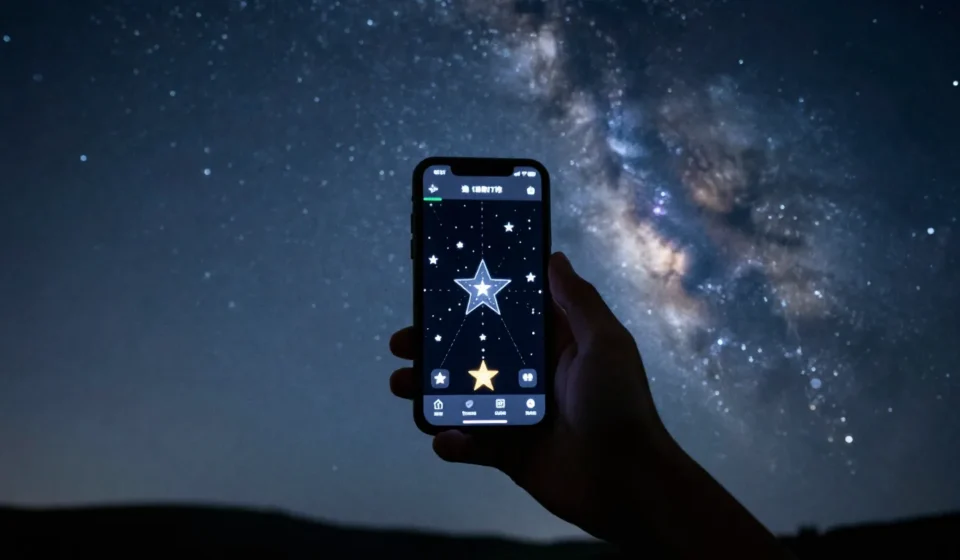
Star chart apps like SkySafari, Stellarium (mobile), or Star Walk 2 offer real-time, location-aware views. Simply point your phone at the sky, and the app labels stars, planets, and constellations.
Many let you adjust for light pollution, showing only what's visible from your spot.
When you choose the right star chart app, you gain features like time-travel (see the sky from 1000 years ago), augmented reality overlays, and even satellite tracking. Some apps like SkySafari include deep-sky objects and telescope control. But they drain batteries and can be distracting if you’re trying to adapt to darkness.
Key Features to Compare
- Location awareness: Does it use your GPS? Essential for accurate sky mapping.
- Offline capability: Crucial for remote stargazing without data.
- Red night mode: Preserves your night vision while using the screen.
- Object database: Look for Messier catalog or NGC objects for deeper exploration.
How Your Location Affects Your Choice
Your geographic location dramatically influences what you can see. In the northern hemisphere, Polaris stays nearly fixed, while southern hemisphere observers enjoy the Magellanic Clouds.
Light pollution also varies—urban dwellers need apps with light pollution filters.
Rural stargazers might prefer wide-field printed charts. Your latitude and light pollution levels are crucial when you choose the right star chart app.
For mobile use, try Sky & Telescope’s guide to top star chart apps. For printed maps, the Skymaps.com free monthly chart is a great resource (download and print). Beginners can also check our Popular Science & Space category for more tips.
Beginner Tips: Start Simple
Don't overcomplicate it. Try a free app like Stellarium (web or mobile) alongside a paper planisphere.
Learn the brightest constellations first—Orion, Ursa Major, Scorpius.
Test both tools on a clear night, and notice which helps you find objects faster. For kids or groups, printed charts are great for sharing without screen glare.
For solo deep-sky hunting, an app with search functions is unbeatable.
The key is to choose the right star chart app that matches your lifestyle and skies.
Final Verdict: Blend Both Worlds
The best stargazing setup often combines both: a printed chart for overall orientation and an app for detailed exploration. For beginners, I recommend starting with a free app like Sky Tonight (great for instant identification) and a simple planisphere from a local science store.
Remember, the goal is to enjoy the universe. Whether you use paper or pixels, the stars are waiting. But no matter what, taking time to choose the right star chart app will enhance your experience.
For more advanced techniques, EarthSky offers excellent tutorials on reading star charts.