
What to Look for in a portable charger for laptop
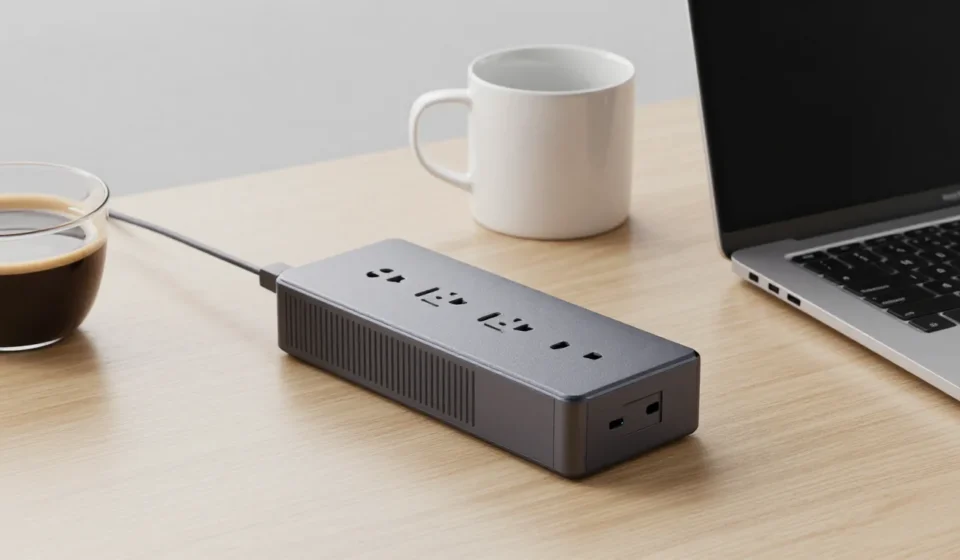
When you need a reliable portable charger for laptop on the road, power banks with AC outlets are essential. Not all power banks can charge a laptop; you need at least 45W output via USB-C Power Delivery or a built-in AC inverter.
Capacity is measured in watt-hours (Wh) for laptops—not milliamp-hours. A 100Wh power bank (airline limit) can charge a typical ultrabook 1.5 times.
Portability is a trade-off; expect to carry over a pound for higher capacity. Check compatibility—some Dell and Lenovo models require proprietary voltages.
Top High-Capacity Laptop Power Banks with AC
OmniCharge Omni 20+ (256Wh)
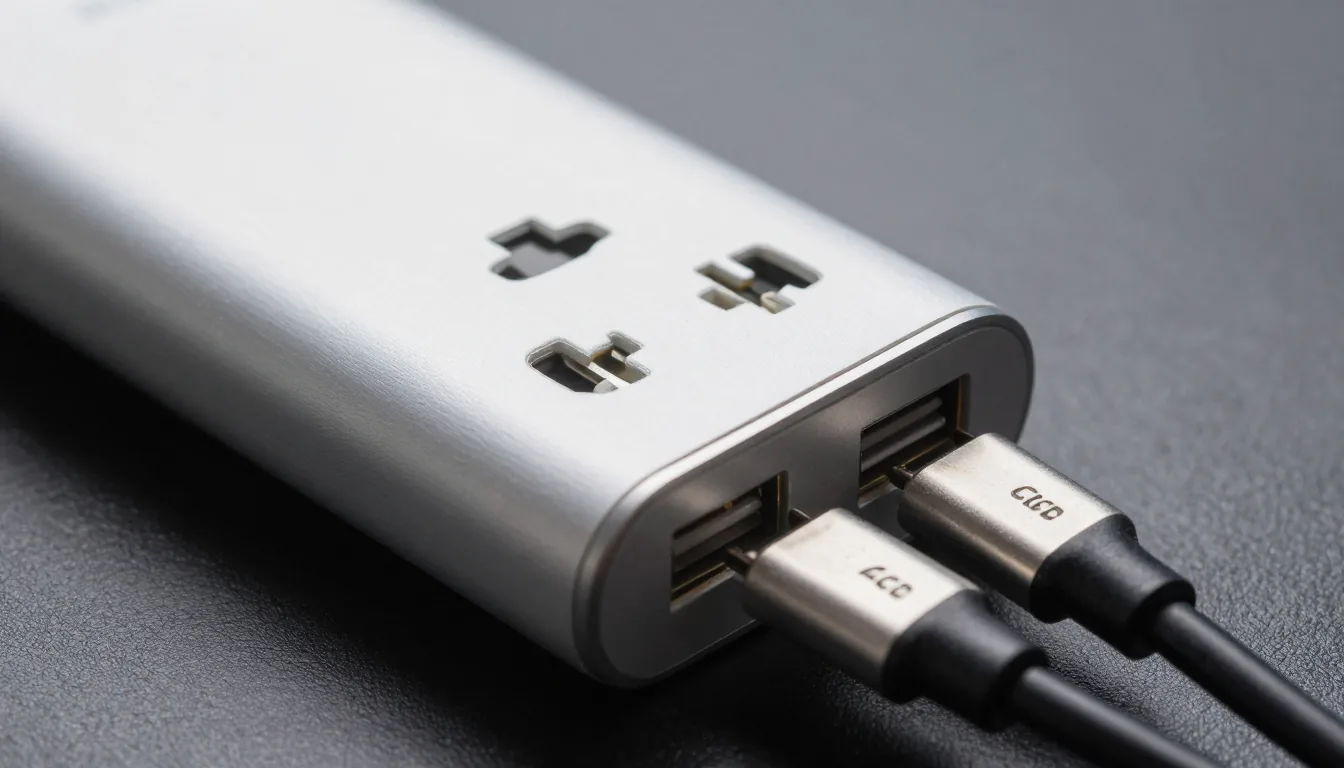
This unit packs a 256Wh lithium-ion battery and a pure sine wave AC inverter. It delivers up to 100W via AC and 60W via USB-C, making it one of the most versatile portable chargers for laptop.
It can power a 15-inch MacBook Pro for nearly two full charges.
- Pros: True sine wave AC, large capacity, multiple ports
- Cons: Expensive, bulky, fan can be noisy
Anker PowerHouse 100 (90Wh)
Anker's compact portable station includes a 100W AC outlet and 60W USB-C PD. The 90Wh capacity is enough for one full charge of most 13-inch laptops.
It weighs only 2.6 lbs and runs silently—no fan needed. This portable charger for laptop is ideal for daily commuters.
- Pros: Lightweight, reliable build, quiet operation
- Cons: Lower capacity, AC outlet is modified sine wave (not for sensitive electronics)
Zendure SuperTank Pro (99.9Wh)
With USB-C PD up to 100W, this power bank hits the airline safety limit. It has four USB-C ports and can charge two laptops simultaneously.
While it lacks an AC outlet, USB-C is sufficient for most modern ultrabooks. For those seeking a compact portable charger for laptop, this is a top pick.
- Pros: High PD wattage, compact, pass-through charging
- Cons: No AC port, requires USB-C laptop compatibility
Goal Zero Yeti 200X (187Wh)
The Yeti 200X offers a 187Wh battery with a 120W AC inverter and USB-C PD up to 60W. It can charge a 13-inch laptop twice and features a compact design.
This portable charger for laptop also includes a carport input for recharging on the go.
- Pros: Good capacity, reliable brand, includes MPPT solar input
- Cons: Heavier than competitors, AC outlet is modified sine wave
AC vs. USB-C: Which Matters More?
If your laptop charges via USB-C, skip AC-outlet models—they’re heavier and less efficient. A 100W USB-C power bank like the Anker 737 is lighter and cheaper. However, older laptops with barrel plugs or those requiring over 100W still need an AC inverter.
For most users, a USB-C PD power bank between 60-100W suffices. Check your laptop’s power adapter wattage—never exceed it, but matching is ideal. For more tips, browse our Tech & Gadgets category or read Wirecutter’s guide for additional recommendations.
Buying Guide: Capacity vs. Portability
Calculate your laptop's battery capacity in Wh from its specs. Divide the power bank's Wh by your laptop's Wh to estimate charges.
A 100Wh bank charging a 50Wh laptop gives two charges after accounting for conversion losses.
Weight increases with capacity. A 20,000mAh (74Wh) bank weighs about 1 lb; a 256Wh unit exceeds 3 lbs.
For daily carry, stick under 100Wh and use USB-C. For extended fieldwork, the extra heft of an AC model may be justified.
Remember that a portable charger for laptop is an investment. Choose one that matches your power needs and portability requirements.
High-capacity units with AC outlets are ideal for professionals who need to run multiple devices in the field.
Safety and Travel Tips for Power Banks
A portable charger for laptop must comply with airline regulations if you fly frequently. Most airlines limit lithium-ion batteries to 100Wh without special approval.
Pack your power bank in carry-on luggage only, as checked bags may be prohibited.
Store your power bank away from extreme heat or cold and avoid dropping it. Invest in a protective case to prevent short circuits.
When using a portable charger for laptop, ensure the cable is rated for the wattage to avoid overheating.